Send enquiry ⏎

Autodesk Maya Online Live Class by Experts

Our Training/Internship Process

Autodesk Maya Online Live Classes in Kasaragod | Free Demo Training

Autodesk Maya - Syllabus, Fees & Duration

Overview of Maya

  • Understanding the Maya interface
  • Setting up files and Maya projects
  • Configuring viewports
  • Customizing the interface
  • Navigating the Maya workspace
  • Using the hotbox and marking menus
  • Selecting objects
  • Using the Move tool
  • Rotating and scaling objects
  • Working with pivots
  • Understanding the Channel Box
  • The Attribute Editor

Maya Scenes

  • Organizing Maya Scenes
  • Working with the Outliner
  • Dealing with hierarchies
  • Object groups
  • Exploring Hypergraph
  • Hiding and showing objects
  • Working with layers
  • Working with selection masks

Working with Polygons

  • Creating Polygonal Models
  • Differences between NURBS and polys
  • Selecting polygonal components
  • Using Soft Select and reflection
  • Sculpting with the Sculpt tool
  • The Combine and Separate commands
  • Working with subdivision surfaces

Working with Meshes

  • Working with edge loops
  • Using Edge Flow for smooth geometry
  • Reorienting geometry using Spin Edge
  • Drawing detail with the Connect tool
  • Mirroring geometry
  • Modeling with nonlinear deformers
  • Modeling with lattices

NURBS-based Modelling

  • Refining NURBS Models
  • Extracting NURBS curves from surfaces
  • Open/ Close curves and surfaces
  • Creating curves on a surface
  • Projecting curves on surfaces
  • Trimming NURBS surfaces
  • Using fillets to connect surfaces
  • Converting NURBS to polygons

Using Materials

  • Creating Materials
  • Overview of Maya renderers
  • The basics of materials
  • Creating and applying maps
  • Using bitmaps as texture
  • Working with the Hype shade window
  • Using the Ramp material
  • Displacement and bump maps
  • Mental ray materials

Using Textures

  • Applying Textures
  • Texture mapping
  • Projecting textures on surfaces
  • Applying multiple materials
  • UV mapping
  • The UV Texture Editor

Rendering your Scene

  • Render Settings
  • Lights and lighting types
  • Rendering shadows
  • Camera basics
  • Depth of field
  • Motion Blur
  • Reflections and refractions
  • Matching lights and shadows to images
  • Batch rendering

Animating in Maya

  • The animation interface
  • Set Key
  • The Graph Editor
  • The Dope Sheet
  • Animating objects along spline paths
  • Ghosting animation
  • Animation playback using Playblast
  • Creating animation cycles

Download Syllabus - Autodesk Maya
This syllabus is not final and can be customized as per needs/updates
   
10000+
20+
50+
25+

Autodesk Maya Jobs in Kasaragod

Enjoy the demand

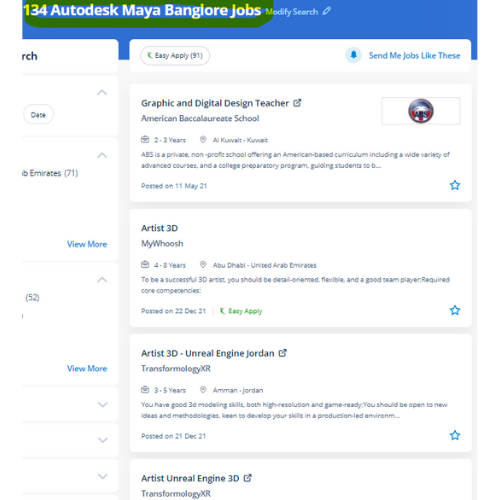
Find jobs related to Autodesk Maya in search engines (Google, Bing, Yahoo) and recruitment websites (monsterindia, placementindia, naukri, jobshybrid.com, indeed.co.in, shine.com etc.) based in Kasaragod, chennai and europe countries. You can find many jobs for freshers related to the job positions in Kasaragod.

  • Graphic Designer
  • Maya Trainer
  • Motion Graphic Designer
  • Generalist 3d
  • Technical Designer
  • Interior Designer
  • Designing Trainer
  • Freelance Graphic Designer
  • 3d designer
  • AutoCAD Draftsman

Autodesk Maya Internship/Course Details

Autodesk Maya internship jobs in Kasaragod
Autodesk Maya This software has no exception however others have their own strengths and weaknesses. Nestsoft provides the most effective Autodesk Maya online training course. Our trainers are senior specialists in Maya Animation course styles and animation for numerous years. However, it is a good deal over a modeling code Maya is an ecosystem. The options of Maya aren't like using only modifiers, you'll be able to apply modeling layers but it is a free-form approach to 3D modeling. Students can learn the flexibleness to create a top-quality CG base character which will be used for customizing games, machinima, animations, portfolios, and programming based mostly on computer science graphics courses consistent with industry standards and techniques. large film franchises like Transformers and Harry Potter use Maya technology to produce their wonderful visual effects and animation. This software provides actual live 3D effects with us North American nation a large kind of scope to make live models. Nestsoft provides an Autodesk Maya Animation online course that will prepare pupils with the fundamentals of 3D growing up with a Maya Animation course software. it is the integration with alternative Autodesk software systems like motion builder and Mudbox.

Meet a Few of our Industry Experts 🚀 Your Pathway to IT Career

Ragul

Mobile: +91 9895490866
Location: Online (Kasaragod, Kerala)
Qualification: Msc

Experience: Graphic design User research User flow creation Build IA User testing Idea generation Client management Sketching Ui design Prototyping Wireframing  more..

murlee

Mobile: +91 89210 61945
Location: Online (Kasaragod, Kerala)
Qualification: Bca,mba

Experience: Android developer kotlin java  more..

AVISHEK

Mobile: +91 91884 77559
Location: Online (Kasaragod, Kerala)
Qualification: Graduate

Experience: 20 years experience in magazine page design  more..

Chintan

Mobile: +91 94975 90866
Location: Online (Kasaragod, Kerala)
Qualification: Diploma in computer engineering

Experience: I'm a have good knowledge about professional android deployment like jetpack component MVVM Kotlin  more..

Sreejith

Mobile: +91 94975 90866
Location: Online (Kasaragod, Kerala)
Qualification: BE Mechanical

Experience: Manual testing Techsupport selenium ide  more..

Bharath

Mobile: +91 94975 90866
Location: Online (Kasaragod, Kerala)
Qualification: MBA

Experience: I have hands on experience on machine learning neural networks random forest using python and R software I done some  more..

Vishnu

Mobile: +91 9895490866
Location: Online (Kasaragod, Kerala)
Qualification: MCA

Experience: Html css puthon c c++ php mysql These are my programming skills and my other computer skills are ms office  more..

Disha

Mobile: +91 94975 90866
Location: Online (Kasaragod, Kerala)
Qualification: Pursing in Bsc in Media Graphics and Animation

Experience: one year of hands-on experience in graphic and video editing I have cultivated a deep passion for the realm of  more..

vikas

Mobile: +91 91884 77559
Location: Online (Kasaragod, Kerala)
Qualification: Master degree

Experience: Customizing and configuring Odoo modules to meet client requirements Developing and implemeting new odoo modules providing technicel support and troubleshooting  more..

Pooni

Mobile: +91 8301010866
Location: Online (Kasaragod, Kerala)
Qualification: Intermediate

Experience: I am having a knowledge about Excel sheet Slide presentation Audio vedio editing Using microsoft office Adobe premier pro Knowledge  more..

JINCY

Mobile: +91 9895490866
Location: Online (Kasaragod, Kerala)
Qualification: MCA

Experience: I have completed course in software testing Manual testing qc qtp  more..

Anagha

Mobile: +91 89210 61945
Location: Online (Kasaragod, Kerala)
Qualification: B tech in ECE

Experience: Manual testing Automation testing java selenium jmeter  more..

Hariharasudhan

Mobile: +91 89210 61945
Location: Online (Kasaragod, Kerala)
Qualification: Bachelor of Engineering

Experience: Having 4 8 Years of Experience in Software Testing in that both Manual and Automation Experience in automation frameworks including  more..

Rajendra

Mobile: +91 94975 90866
Location: Online (Kasaragod, Kerala)
Qualification: Bachelor of Technology CSE-Data Science

Experience: Rajendra Dayma is a Computer Science & Engineering Data Science student at the Oriental Institute of Science and Technology Bhopal  more..

Nitesh

Mobile: +91 8301010866
Location: Online (Kasaragod, Kerala)
Qualification: Btech

Experience: Manual testing and Automation testing Selenium with Java & having a 1 year of experience  more..

Abhishek

Mobile: +91 98474 90866
Location: Online (Kasaragod, Kerala)
Qualification: Btech

Experience: Semi Conductor Laboratory Mohali Dept of space Govt of India FSG advantages over USG inter-metal dielectric (Thin Film) and Unit  more..

Venkata

Mobile: +91 8301010866
Location: Online (Kasaragod, Kerala)
Qualification: B com computers

Experience: Core java adv java oracle |   more..

Ramya

Mobile: +91 94975 90866
Location: Online (Kasaragod, Kerala)
Qualification: BE CSE

Experience: This is Ramya I have 2 4 years experience in both manual and Automation testing I have good knowledge in  more..

Ankita

Mobile: +91 91884 77559
Location: Online (Kasaragod, Kerala)
Qualification: M E

Experience: Selenium testing functional testing regression testing core java jira  more..

NIDA

Mobile: +91 9895490866
Location: Online (Kasaragod, Kerala)
Qualification: Engineering

Experience: 4 5 years of experience in SEO which includes Education Service Software service and IT industry Skills - keyword planning  more..

Ramathota

Mobile: +91 9895490866
Location: Online (Kasaragod, Kerala)
Qualification: Btech

Experience: Experience I have over 1 5 years of focused experience in UI UX design starting with internships that transitioned into  more..

Nimish

Mobile: +91 98474 90866
Location: Online (Kasaragod, Kerala)
Qualification: B.E

Experience: I am particularly proud of my recent projects such as the Summarize Study Tool and the Applied Data Science Capstone  more..

Kevin

Mobile: +91 94975 90866
Location: Online (Kasaragod, Kerala)
Qualification: BTech computer science

Experience: Java python Application for Java Spring  more..

Shankar

Mobile: +91 91884 77559
Location: Online (Kasaragod, Kerala)
Qualification: BCA

Experience: Currently I am doing Java full stack development training in qspider gurgaon and I am about Oracle SQL Java HTML  more..

Success Stories

The enviable salary packages and track record of our previous students are the proof of our excellence. Please go through our students' reviews about our training methods and faculty and compare it to the recorded video classes that most of the other institutes offer. See for yourself how TechnoMaster is truly unique.

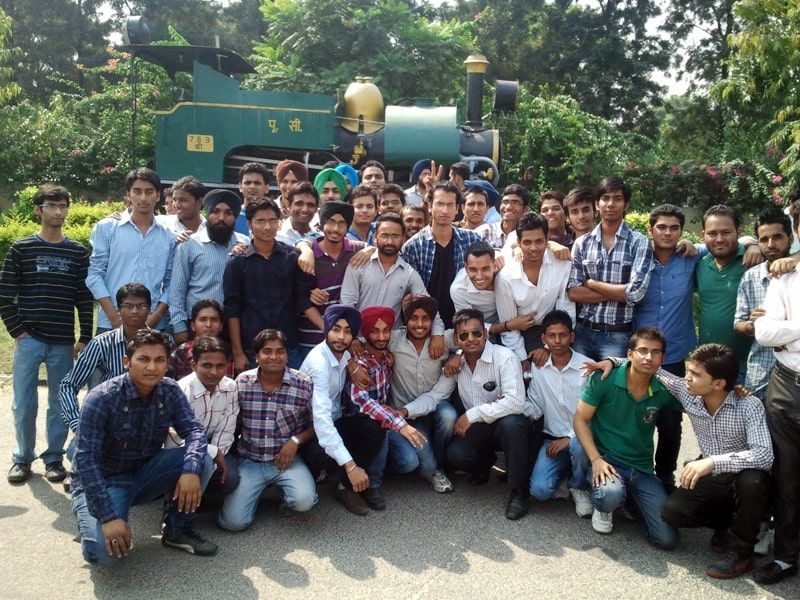
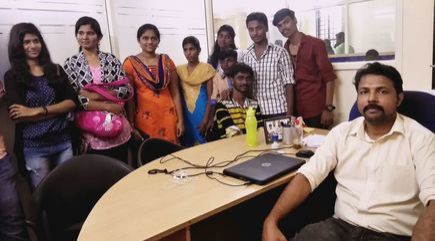
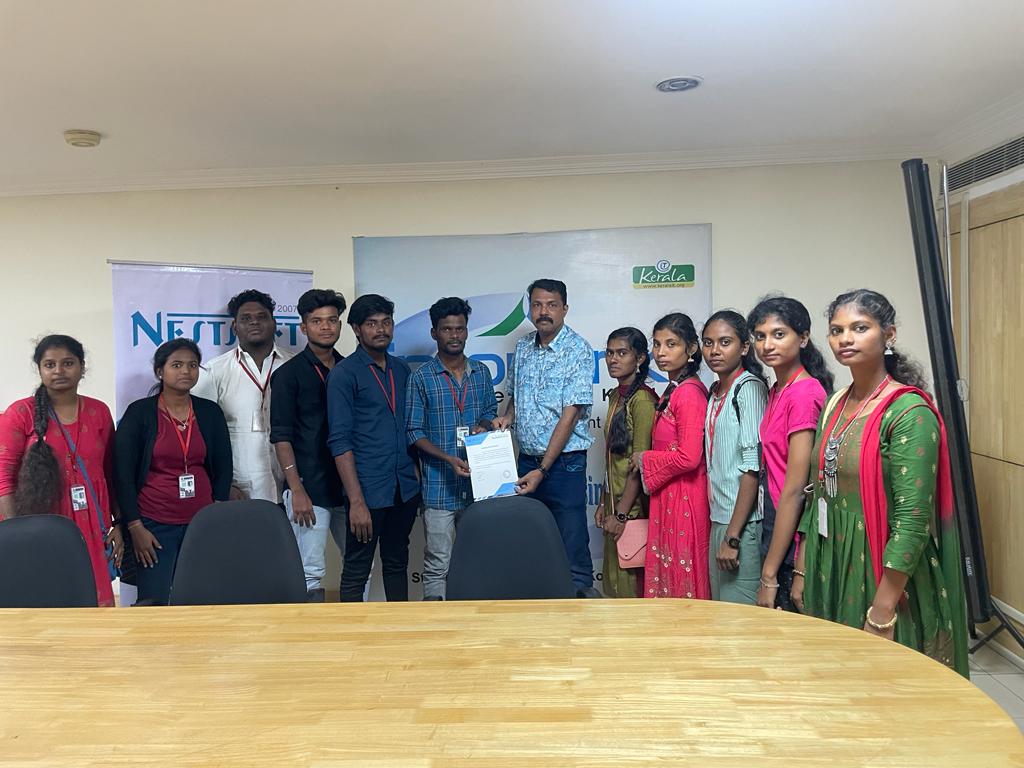
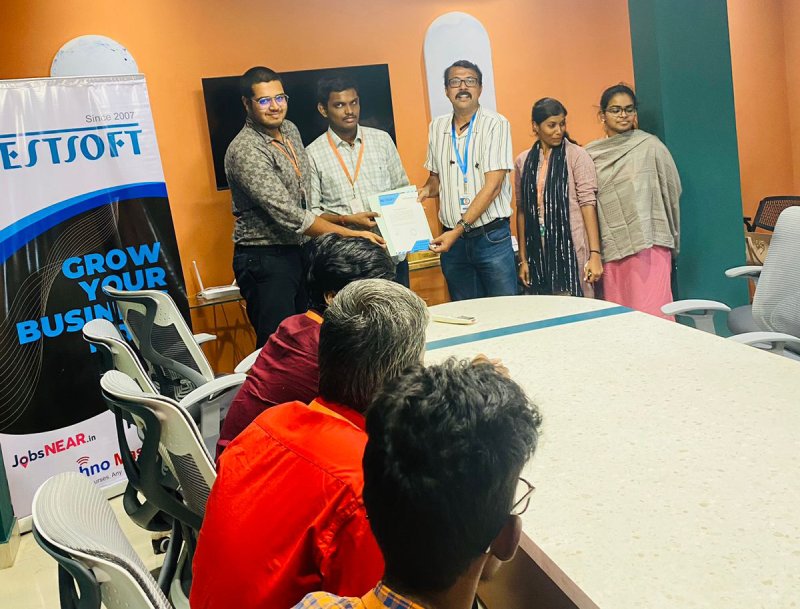
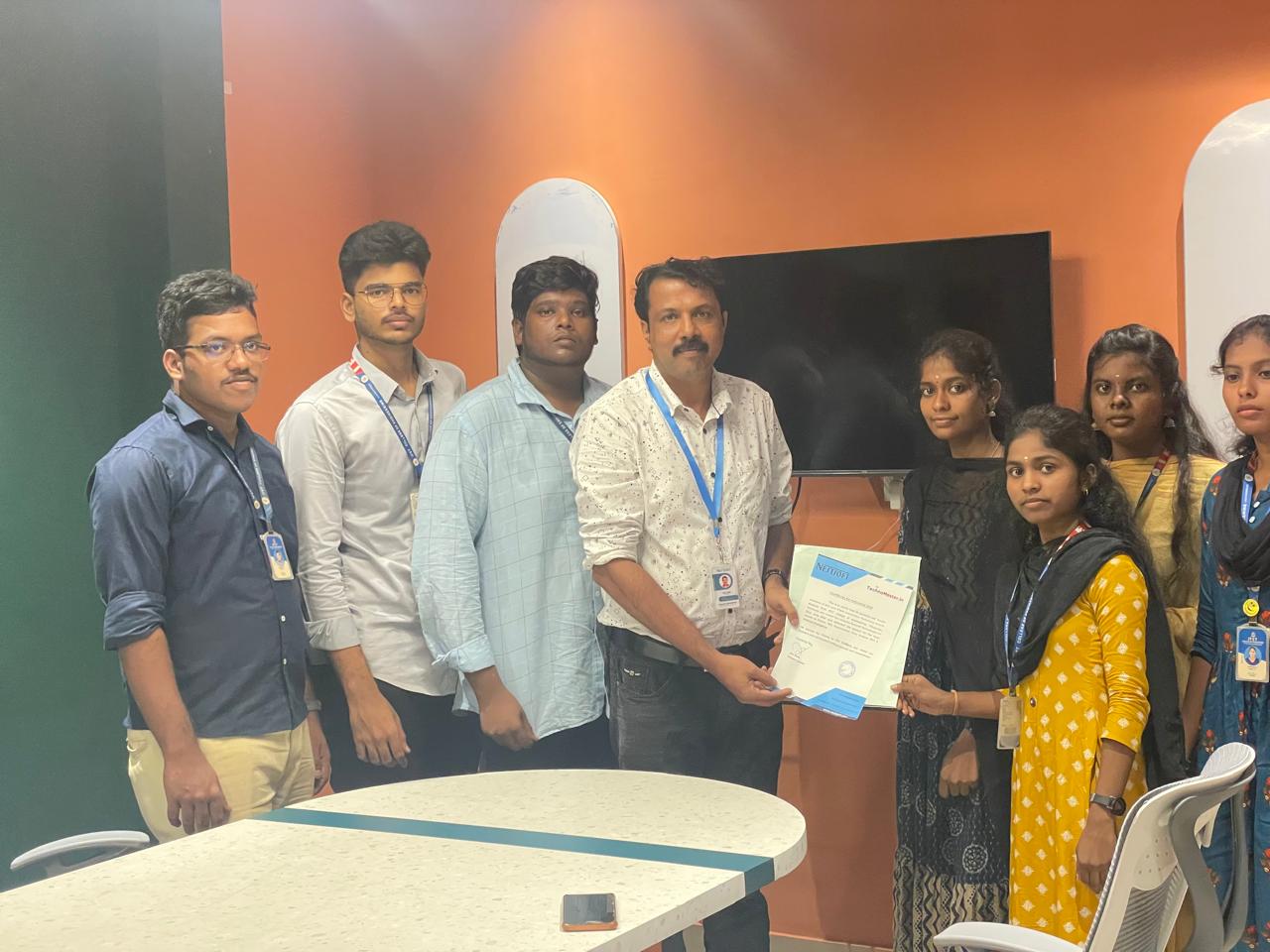
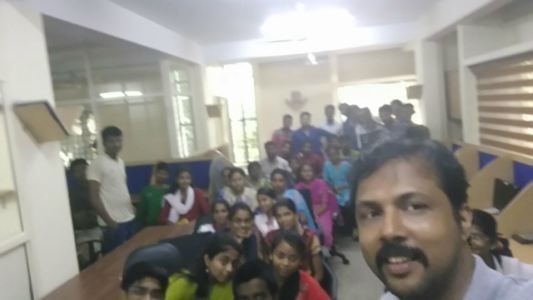
Photos of Training / Internships

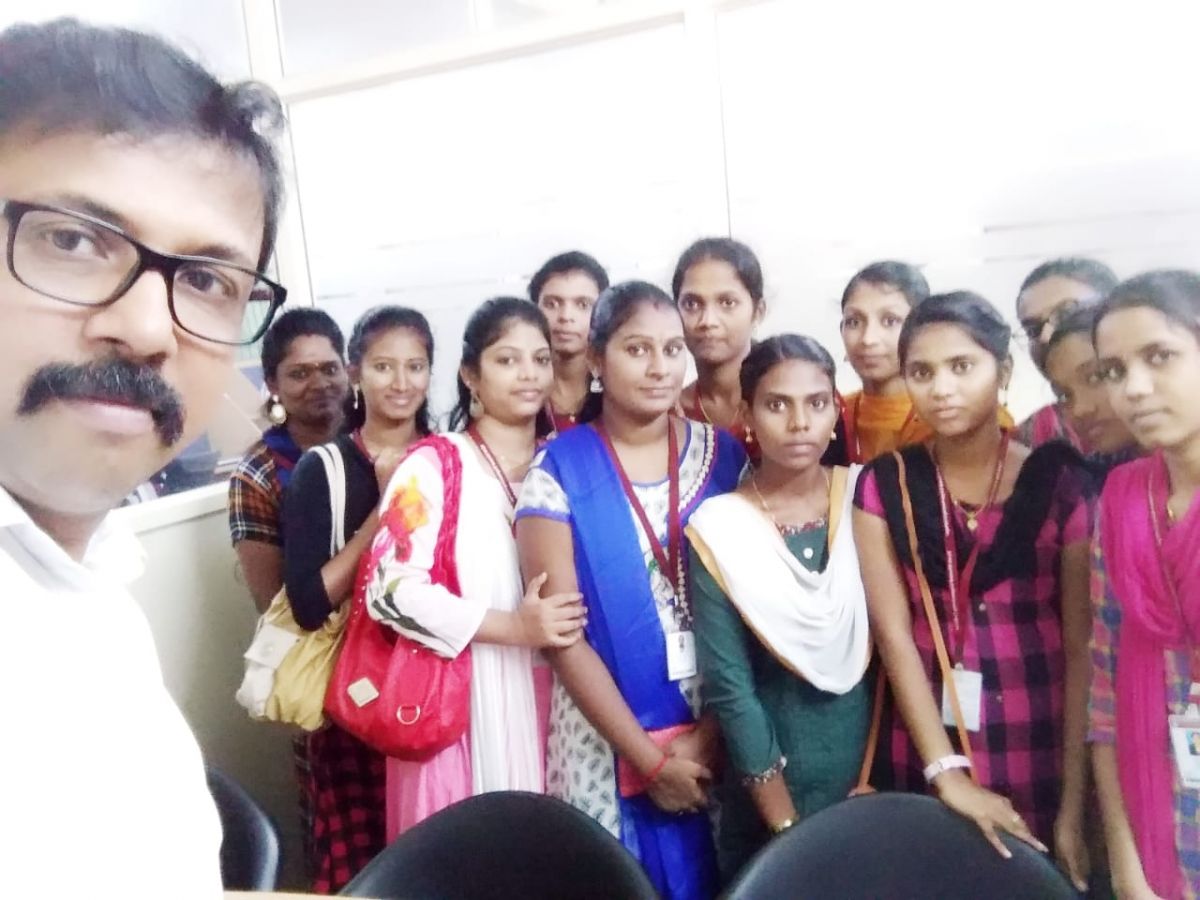
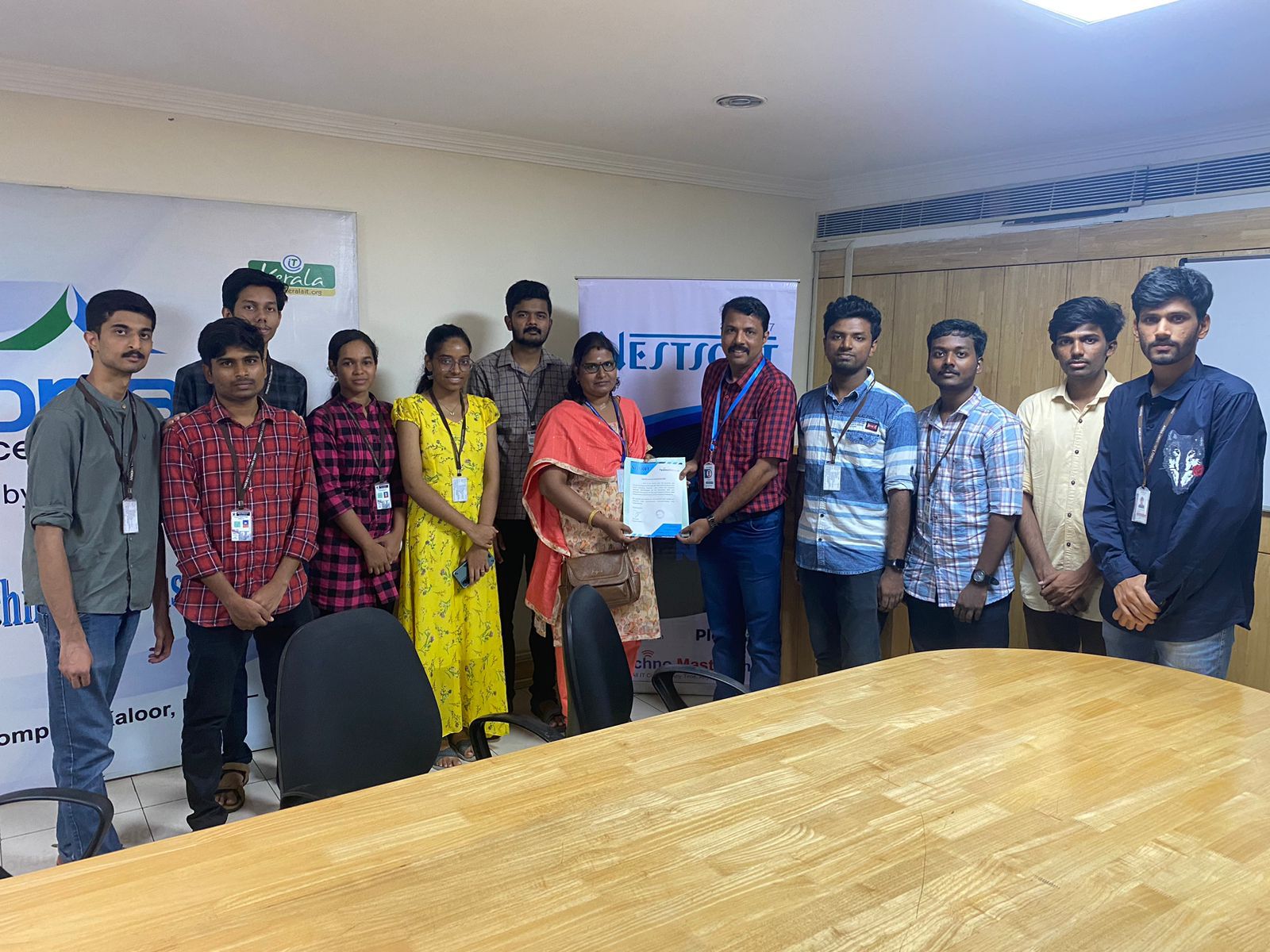
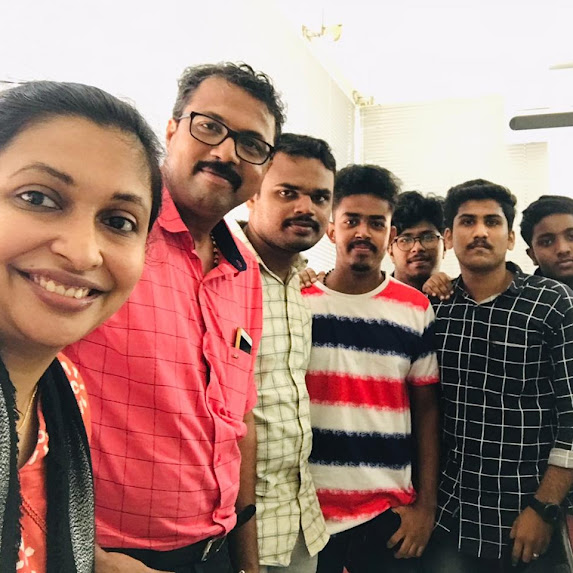
Internship/projects in kasaragod

Trained more than 10000+ students who trust Nestsoft TechnoMaster

Get Your Personal Trainer