Microsoft Copilot & AI Productivity Online Live Class by Experts

Our Training/Internship Process

Microsoft Copilot & AI Productivity Online Live Classes in Kannur | Free Demo Training

Microsoft Copilot & AI Productivity - Syllabus, Fees & Duration

Introduction

The Microsoft Copilot & AI Productivity course is a 1-month practical training program designed to teach AI-powered productivity techniques using Microsoft Copilot and Microsoft 365 applications. Students will learn how to use Artificial Intelligence to automate tasks, create content, analyze data, and improve workplace efficiency.

Course Syllabus

Month 1: Microsoft Copilot & AI Productivity

Introduction to AI Productivity

  • Introduction to Artificial Intelligence
  • Generative AI Fundamentals
  • Role of AI in Workplace Productivity
  • AI Assistants and Copilot Technology
  • Benefits of AI Automation
  • Responsible AI Usage and Ethics

Microsoft Copilot Fundamentals

  • Introduction to Microsoft Copilot
  • Copilot Features and Capabilities
  • Understanding AI Prompts
  • Writing Effective Copilot Prompts
  • Context-Based Prompting
  • Copilot Security and Privacy

Microsoft Word with Copilot

  • AI-Assisted Document Creation
  • Generating Content Using Copilot
  • Document Summarization
  • Improving Writing Quality with AI
  • Creating Reports and Business Documents
  • Document Formatting and Editing Assistance

Microsoft Excel with Copilot

  • AI-Based Data Analysis
  • Creating Formulas Using Copilot
  • Data Cleaning and Summarization
  • Generating Insights from Data
  • Creating Charts and Reports
  • Spreadsheet Automation

Microsoft PowerPoint with Copilot

  • AI Presentation Creation
  • Generating Slide Content
  • Presentation Design Improvement
  • Creating Professional Business Presentations
  • Summarizing Presentation Content

Microsoft Outlook & Teams with Copilot

  • AI Email Writing Assistance
  • Email Summarization
  • Meeting Summary Generation
  • Task and Schedule Management
  • Team Collaboration Enhancement

AI Prompt Engineering for Productivity

  • Prompt Writing Basics
  • Role-Based AI Prompts
  • Business Productivity Prompts
  • Creative Content Prompts
  • Improving AI Generated Responses

AI Tools Integration & Automation

  • Microsoft 365 AI Tools Overview
  • Copilot Studio Introduction
  • Power Automate with AI
  • AI Workflow Automation
  • Connecting AI with Business Applications

Practical Projects

  • AI-Based Business Report Generator
  • Automated Excel Data Analysis Project
  • AI Presentation Creator
  • Smart Email Assistant
  • AI Productivity Workflow Project

Tools and Technologies

  • Microsoft Copilot
  • Microsoft 365
  • Microsoft Word Copilot
  • Microsoft Excel Copilot
  • Microsoft PowerPoint Copilot
  • Microsoft Outlook Copilot
  • Microsoft Teams Copilot
  • Copilot Studio
  • Power Automate
  • Generative AI Tools

Download Syllabus - Microsoft Copilot & AI Productivity
This syllabus is not final and can be customized as per needs/updates
 
10000+
20+
50+
25+

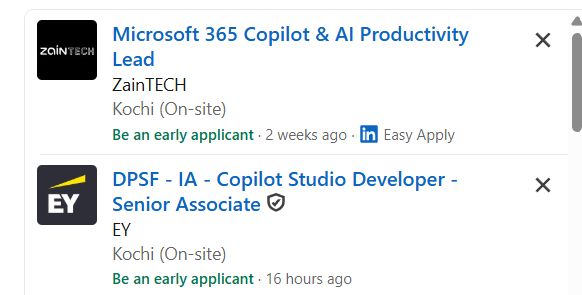
Microsoft Copilot & AI Productivity Jobs in Kannur

Enjoy the demand

Find jobs related to Microsoft Copilot & AI Productivity in search engines (Google, Bing, Yahoo) and recruitment websites (monsterindia, placementindia, naukri, jobsNEAR.in, indeed.co.in, shine.com etc.) based in Kannur, chennai and europe countries. You can find many jobs for freshers related to the job positions in Kannur.

  • AI Productivity Specialist
  • Microsoft Copilot Specialist
  • Microsoft 365 Administrator
  • AI Automation Assistant
  • Digital Workplace Consultant
  • Business Automation Specialist
  • AI Trainer
  • Productivity Analyst
  • AI Support Specialist
  • Digital Transformation Associate

Microsoft Copilot & AI Productivity Internship/Course Details

Microsoft Copilot & AI Productivity internship jobs in Kannur
Microsoft Copilot & AI Productivity Students will learn how to use Microsoft Copilot with Word, Excel, PowerPoint, Outlook, and Teams for AI-powered content creation, data analysis, and workflow automation. **Course Description (Use Kannur)** Our **Microsoft Copilot & AI Productivity Course in Kannur** is a practical 1-month training program designed to help learners use Artificial Intelligence tools to improve workplace productivity, automate daily tasks, and enhance business efficiency. This course provides hands-on experience with Generative AI, AI prompting, Microsoft 365 automation, and modern productivity solutions. . Join our **Microsoft Copilot AI Training in Kannur** to develop future-ready skills and improve professional performance using advanced AI technologies.


Meet a Few of our Industry Experts 🚀 Your Pathway to IT Career

Tejaswini

Mobile: +91 91884 77559
Location: Online (Kannur, Kerala)
Qualification: BCA

Experience: Communication skill Ambitious Known with programming languages  more..

Neha

Mobile: +91 91884 77559
Location: Online (Kannur, Kerala)
Qualification: Currently pursuing degree

Experience: Canva skills and design skills Experience on fiverr and personal projects  more..

Utkarsha

Mobile: +91 9895490866
Location: Online (Kannur, Kerala)
Qualification: BE Computer

Experience: I have recently graduated in Computer Science Engineering from Pravara Rural College Of Engineering and I am currently looking  more..

Adil

Mobile: +91 91884 77559
Location: Online (Kannur, Kerala)
Qualification: Software Engineering

Experience: Data operator web development 5 year experience data operator 2 year experience web development   more..

Rakesh

Mobile: +91 94975 90866
Location: Online (Kannur, Kerala)
Qualification: Diploma

Experience: Manual testing functional testing integration testing system testing black box testing java SQL selenium testNG GitHub Jenkins api sdlc   more..

Mahesh

Mobile: +91 9895490866
Location: Online (Kannur, Kerala)
Qualification: Bachelor's of Technology

Experience: Figma Prototyping Wireframing Icons design Style guide User persona Color theory Mockups Site maping User maping  more..

Ezhilarasi

Mobile: +91 9895490866
Location: Online (Kannur, Kerala)
Qualification: BE

Experience: Wordpress web developer testing and reporting using JIRA PHP Python Core Java and Artificial Intelligence master course completed through Simplilearn  more..

Manisha

Mobile: +91 98474 90866
Location: Online (Kannur, Kerala)
Qualification: B.com

Experience: Seo onpage offpage tech seo ASO Local SEO Youtube SEO Google ads Facebook ads Insta Ads  more..

George

Mobile: +91 9895490866
Location: Online (Kannur, Kerala)
Qualification: BCA

Experience: Software testing automation and manual Jira postman qtp selenium web driver java Jmeter MySQL   more..

Nitesh

Mobile: +91 94975 90866
Location: Online (Kannur, Kerala)
Qualification: Bachelor's Degree in Computer Applications

Experience: I have a strong track record of designing user-friendly and visually appealing interfaces for both web and mobile applications As  more..

vaishnavi

Mobile: +91 91884 77559
Location: Online (Kannur, Kerala)
Qualification: Bsc(computer science)

Experience: Software developer at pawani web technologies | Ex junior Software Developer at IRB  more..

Shivam

Mobile: +91 91884 77559
Location: Online (Kannur, Kerala)
Qualification: B.Tech

Experience: I am skills in UXUI Design I am well versed with latest design process and design software tools such as  more..

Mohamedanzal

Mobile: +91 94975 90866
Location: Online (Kannur, Kerala)
Qualification: Degree

Experience: Graphic design-1year freelancer Ui design - 1 year  more..

ABHIRAMI

Mobile: +91 8301010866
Location: Online (Kannur, Kerala)
Qualification: Btech

Experience: Done software testing internship of 6 months in TECHMASTERS  more..

Arivarasan

Mobile: +91 8301010866
Location: Online (Kannur, Kerala)
Qualification: B.E(ECE)

Experience: I have 6 years and 7 months of experience in the Odoo Python framework (ERP) as a backend developer I  more..

Aniket

Mobile: +91 91884 77559
Location: Online (Kannur, Kerala)
Qualification: Msc computer science

Experience: I do have experience in Android application development ivi kotlin java Android sdk mvvm Google sdk retrofit volley firebase  more..

Shincy

Mobile: +91 8301010866
Location: Online (Kannur, Kerala)
Qualification: Mca

Experience: I have completed my MCA graduation in 2020 i know the programming languages like php c c++ java and html  more..

Santosh

Mobile: +91 9895490866
Location: Online (Kannur, Kerala)
Qualification: MSc Computer Science

Experience: Automation meeting selenium core java Test Driven Framework API testing With POSTMAN Database feeling with SQL Mandal Meeting Experience 3  more..

Success Stories

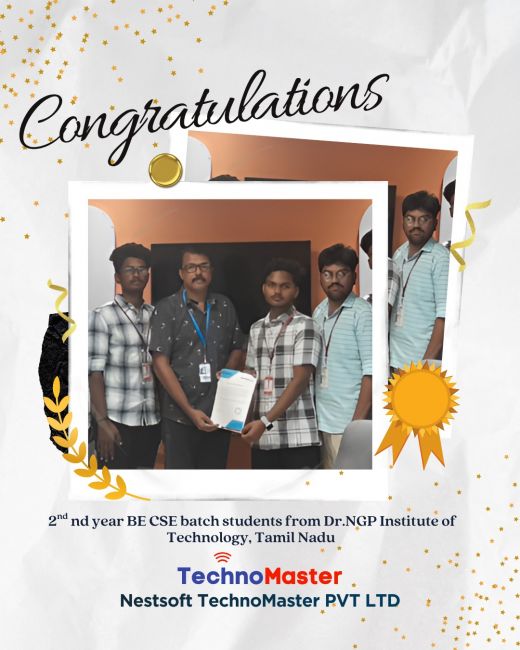
The enviable salary packages and track record of our previous students are the proof of our excellence. Please go through our students' reviews about our training methods and faculty and compare it to the recorded video classes that most of the other institutes offer. See for yourself how TechnoMaster is truly unique.

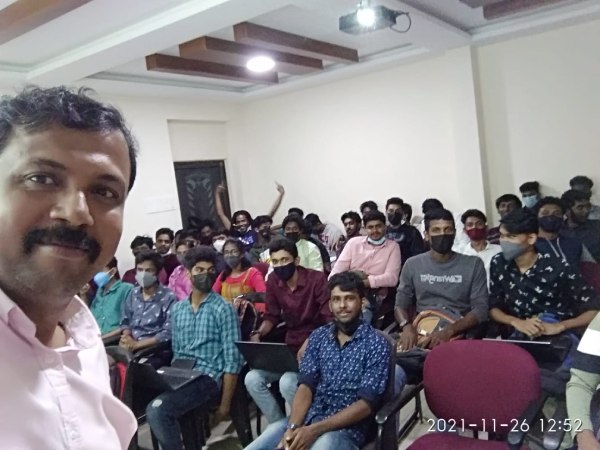
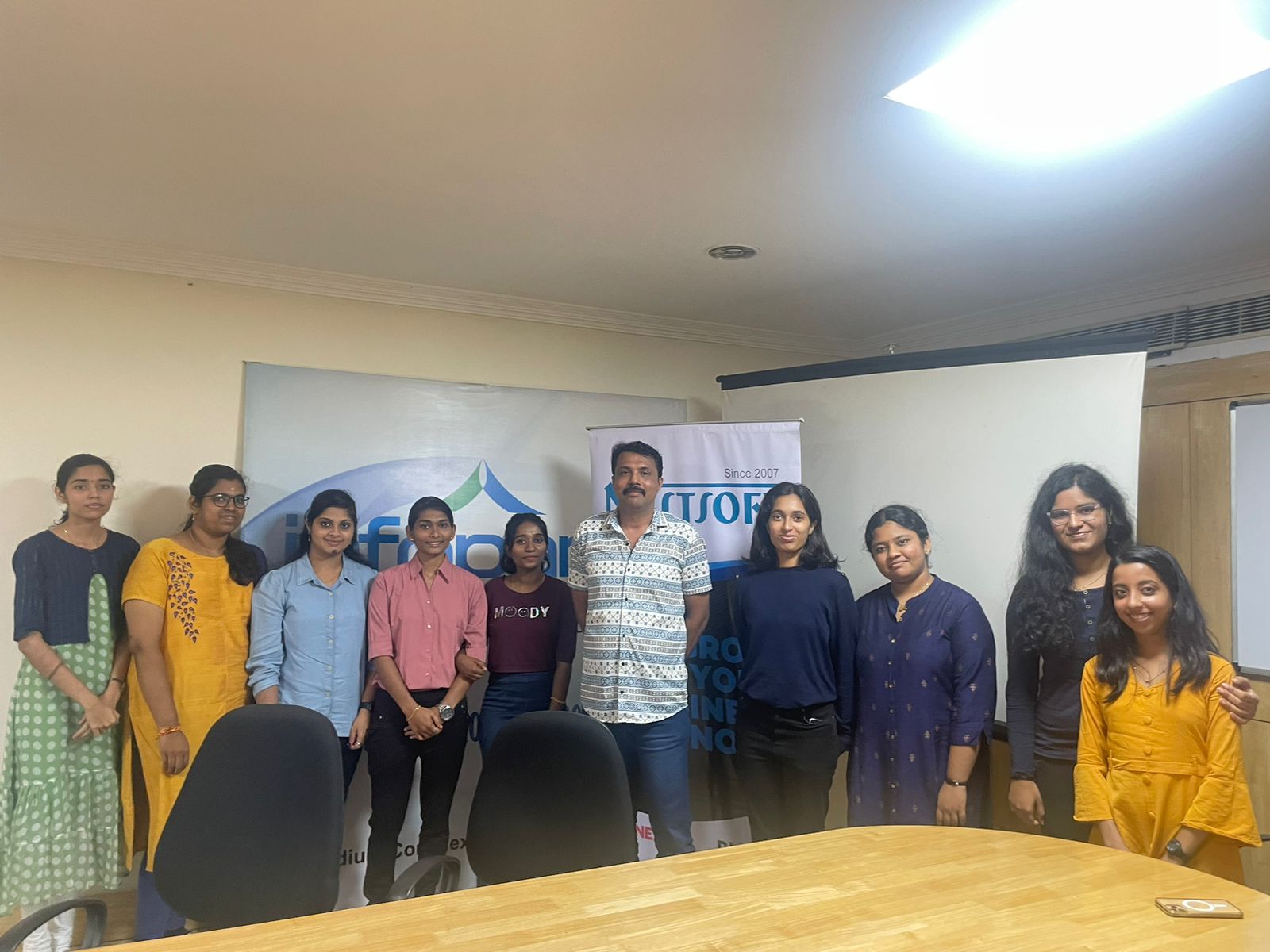
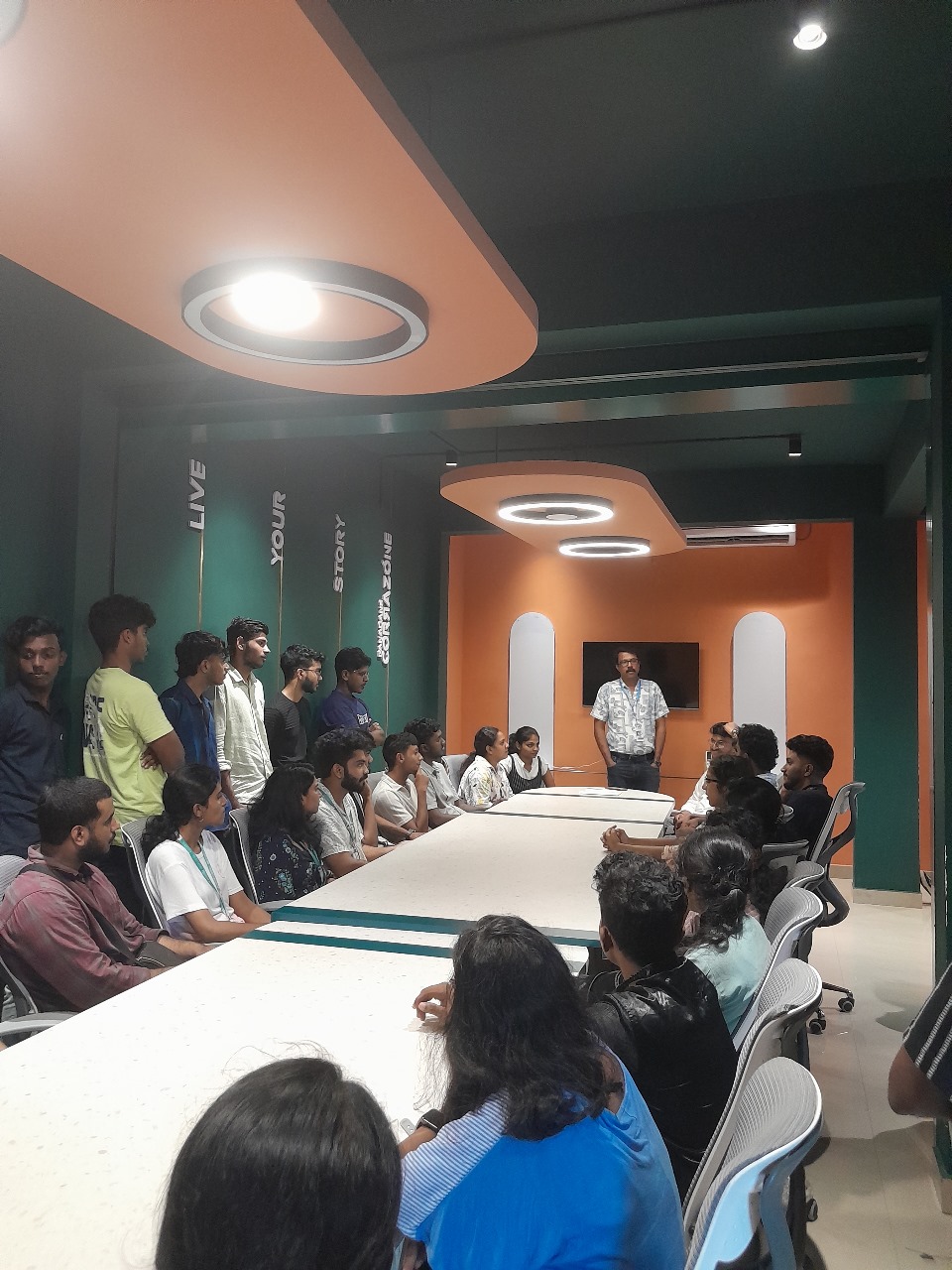
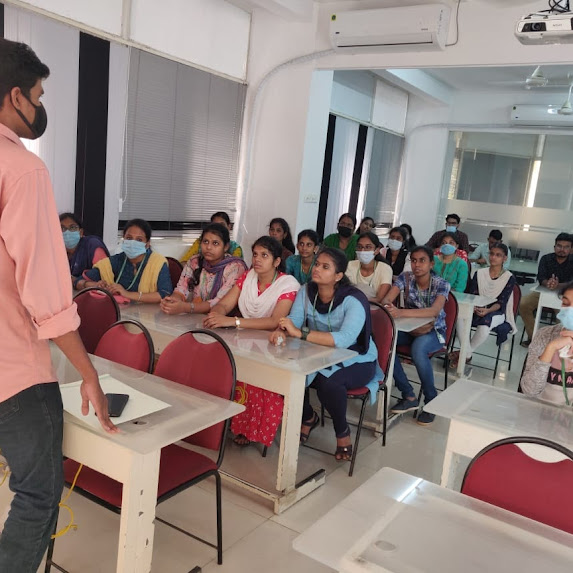
Photos of Training / Internships

Internship/projects in kannur

Trained more than 10000+ students who trust Nestsoft TechnoMaster

Get Your Personal Trainer