Send enquiry ⏎

Primavera Online Live Class by Experts

Our Training/Internship Process

Primavera Online Live Classes in Kannur | Free Demo Training

Primavera - Syllabus, Fees & Duration

Here's a suggested syllabus for a Primavera course, progressing from basic to advanced concepts:

Basic Level:

  1. Introduction to Project Management Software

    • Overview of Primavera
    • Importance of project management software in planning and scheduling
  2. Getting Started with Primavera

    • Installation and setup
    • Interface overview
    • Creating a new project
  3. Creating Work Breakdown Structure (WBS)

    • Understanding WBS
    • Creating and organizing activities
    • Assigning codes to activities
  4. Adding Relationships and Constraints

    • Dependency types (Finish-to-Start, Start-to-Start, Finish-to-Finish, Start-to-Finish)
    • Adding relationships between activities
    • Applying constraints to activities

Intermediate Level:

  1. Scheduling Techniques

    • Critical Path Method (CPM)
    • Understanding float and total float
    • Analyzing the critical path
  2. Resource Management

    • Adding and organizing resources
    • Assigning resources to activities
    • Resource leveling
  3. Baseline and Tracking

    • Creating baselines
    • Tracking progress against baselines
    • Updating schedules

Advanced Level:

  1. Project Analysis and Reporting

    • Generating reports (Gantt charts, resource usage, cash flow, etc.)
    • Analyzing project performance
    • Earned Value Management (EVM) techniques
  2. Risk Management

    • Identifying project risks
    • Incorporating risk management into schedules
    • Mitigation strategies
  3. Advanced Features

    • Global changes and filters
    • Multiple project management
    • Customizing layouts and views
  4. Integration with Other Software

    • Importing and exporting data
    • Integration with Excel, Microsoft Project, etc.
  5. Advanced Topics

    • Portfolio management
    • Multi-project analysis
    • Advanced scheduling techniques (PERT analysis, Monte Carlo simulation)

Each module should include hands-on exercises and practical examples to reinforce learning. Additionally, regular assessments and quizzes can be incorporated to gauge understanding and progress throughout the course.

Download Syllabus - Primavera
This syllabus is not final and can be customized as per needs/updates
   
10000+
20+
50+
25+

Primavera Jobs in Kannur

Enjoy the demand

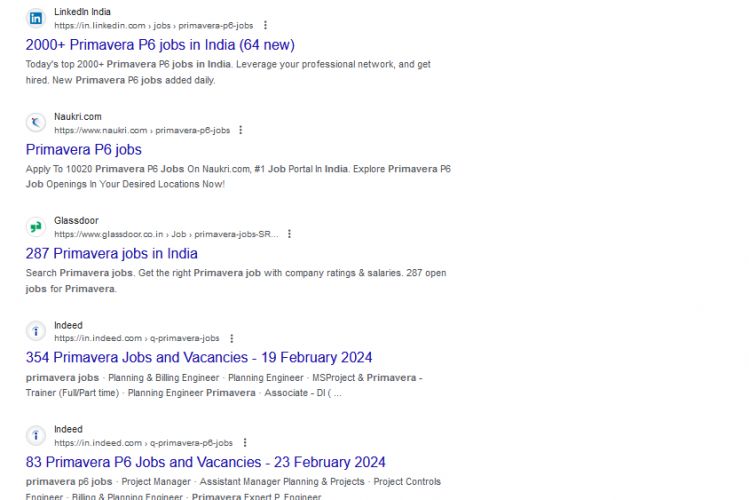
Find jobs related to Primavera in search engines (Google, Bing, Yahoo) and recruitment websites (monsterindia, placementindia, naukri, jobshybrid.com, indeed.co.in, shine.com etc.) based in Kannur, chennai and europe countries. You can find many jobs for freshers related to the job positions in Kannur.

  • Primavera
  • Construction Planner
  • Project Controls Engineer
  • Program Scheduler
  • Project Planner
  • Planning Engineer
  • Cost Estimator
  • Project Coordinator
  • Master Scheduler
  • Project Control Analyst

Primavera Internship/Course Details

Primavera internship jobs in Kannur
Primavera . You can take action. By mastering Primavera, professionals can hone their project management skills, improve project outcomes, and contribute to organizational success in today's dynamic and competitive business environment. can. In summary, the importance of learning Primavera is that it provides project managers with the tools, techniques, and skills they need to effectively plan, execute, monitor, and control projects of varying sizes and complexities. Through features such as progress tracking, performance measurement, and earned value analysis, project managers can evaluate project performance against baseline plans, identify deviations, and make timely corrections to keep the project on track. Masu. Primavera provides tools to identify, assess, and mitigate risks associated with project activities. Improved decision making and forecasting: Informed decision-making is essential to project success. Collaboration is enabled by allowing team members to share project data, update schedules, and communicate effectively within the platform, facilitating better coordination and coordination among project teams.

Meet a Few of our Industry Experts 🚀 Your Pathway to IT Career

Monima

Mobile: +91 8301010866
Location: Online (Kannur, Kerala)
Qualification: Master Of Computer Application(MCA)

Experience: I am currently working as software developer at Techfo Solutions Kannur My responsibilities include developing web based applicaton(Laravel and Codeignitor)  more..

Meenu

Mobile: +91 9895490866
Location: Online (Kannur, Kerala)
Qualification: Btech ec

Experience: Knowledge in programming languages Good in team works Good communication skills Strong knowledge in manual testing   more..

Junaid

Mobile: +91 89210 61945
Location: Online (Kannur, Kerala)
Qualification: Bca

Experience: Laravel php jquery javascript html css bootstrap etc   more..

Bharat

Mobile: +91 89210 61945
Location: Online (Kannur, Kerala)
Qualification: Bsc

Experience: angular typescript CSS3 HTML JAVASCRIPT NODEJS MYSQLApplication for Angular JS  more..

santhana

Mobile: +91 91884 77559
Location: Online (Kannur, Kerala)
Qualification: B.Com

Experience: Knowledge in Java Selenium manual testing Worked as a java trainer at Greens Technology's (exp-2 months)  more..

Vishnu

Mobile: +91 91884 77559
Location: Online (Kannur, Kerala)
Qualification: B.com

Experience: As a fresher I have no experience I am fresher I am looking forward for this opportunity Skilled in C  more..

Abhai

Mobile: +91 8301010866
Location: Online (Kannur, Kerala)
Qualification: D.Computer Science Engineering

Experience: 1 year and above experience in website development take a break from job to learn Node js Application for Node  more..

Shafeeque

Mobile: +91 91884 77559
Location: Online (Kannur, Kerala)
Qualification: Bca Ongoing

Experience: 3+ years experience in php mysql fullstack development   more..

Prashant

Mobile: +91 94975 90866
Location: Online (Kannur, Kerala)
Qualification: BE computer engineer

Experience: 1 year experience Api android ask FireBase SQLite  more..

Shilpa

Mobile: +91 94975 90866
Location: Online (Kannur, Kerala)
Qualification: Be

Experience: Training in software testing   more..

vijender

Mobile: +91 98474 90866
Location: Online (Kannur, Kerala)
Qualification: B.A.

Experience: Microsoft office python html  more..

Anusaya

Mobile: +91 98474 90866
Location: Online (Kannur, Kerala)
Qualification: B.E

Experience: Web development graphics design Digital marketing C C++ Aws Devops  more..

Haseeb

Mobile: +91 9895490866
Location: Online (Kannur, Kerala)
Qualification: bcom

Experience: Google analytics Website development Search engine optimization Social media marketing Google my business Email marketing Voice call marketing Google ads  more..

Vikas

Mobile: +91 91884 77559
Location: Online (Kannur, Kerala)
Qualification: BE in (Electronics and Telecommunication)

Experience: I have done 1 months internship in suven consultants and Pvt The course is Front end developer I have experience  more..

Akash

Mobile: +91 91884 77559
Location: Online (Kannur, Kerala)
Qualification: B Tech (Mechanical)

Experience: C programming language C++  more..

Sreerag.

Mobile: +91 91884 77559
Location: Online (Kannur, Kerala)
Qualification: Bca

Experience: Html css javascript mingodb express nodejs angular react Currrntly I have completed mearn stack web development course from luminar technolab  more..

kalkani

Mobile: +91 89210 61945
Location: Online (Kannur, Kerala)
Qualification: B.E. E.C.

Experience: i have 6 + year experience in android and year experience in flutter  more..

Insiya

Mobile: +91 91884 77559
Location: Online (Kannur, Kerala)
Qualification: B.A(literature) Masters(Mass Communication)[ongoing]

Experience: 2 years of freelance graphic design experience Fluent in Canva   more..

Simaran

Mobile: +91 89210 61945
Location: Online (Kannur, Kerala)
Qualification: Btech

Experience: Good skills in Wordpress php css bootstrap MySQL  more..

Maya

Mobile: +91 89210 61945
Location: Online (Kannur, Kerala)
Qualification: Graduate Diploma

Experience: 7 months experience in manual testing  more..

Divya

Mobile: +91 91884 77559
Location: Online (Kannur, Kerala)
Qualification: BCA

Experience: Computer knowledge programming ms Excel word   more..

Catherine

Mobile: +91 94975 90866
Location: Online (Kannur, Kerala)
Qualification: B.tech

Experience: 2 years experience as a front-end developer Expertise in Angular react js and Ionic framework tooApplication for Angular JS  more..

Divya

Mobile: +91 91884 77559
Location: Online (Kannur, Kerala)
Qualification: Bsc

Experience: Have 1 year experience in canva Make eye catching post for social media accounts graphic design poster making  more..

Diya

Mobile: +91 91884 77559
Location: Online (Kannur, Kerala)
Qualification: B. Tech, ECE

Experience: Good in C C++ programming beginner level python and Java knowledge Web designing basics  more..

Success Stories

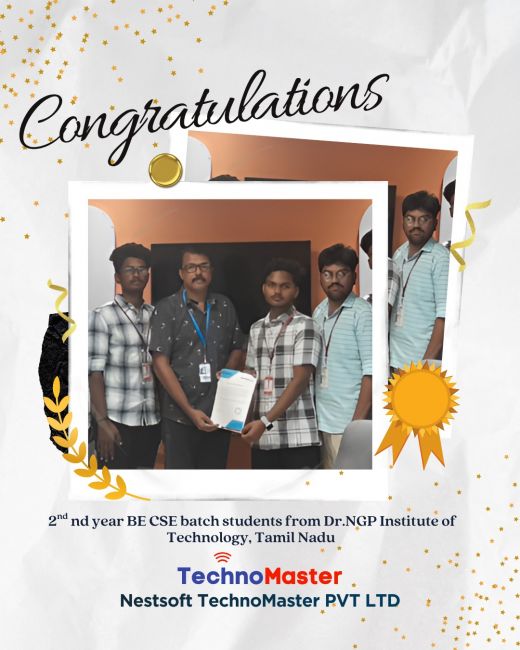
The enviable salary packages and track record of our previous students are the proof of our excellence. Please go through our students' reviews about our training methods and faculty and compare it to the recorded video classes that most of the other institutes offer. See for yourself how TechnoMaster is truly unique.

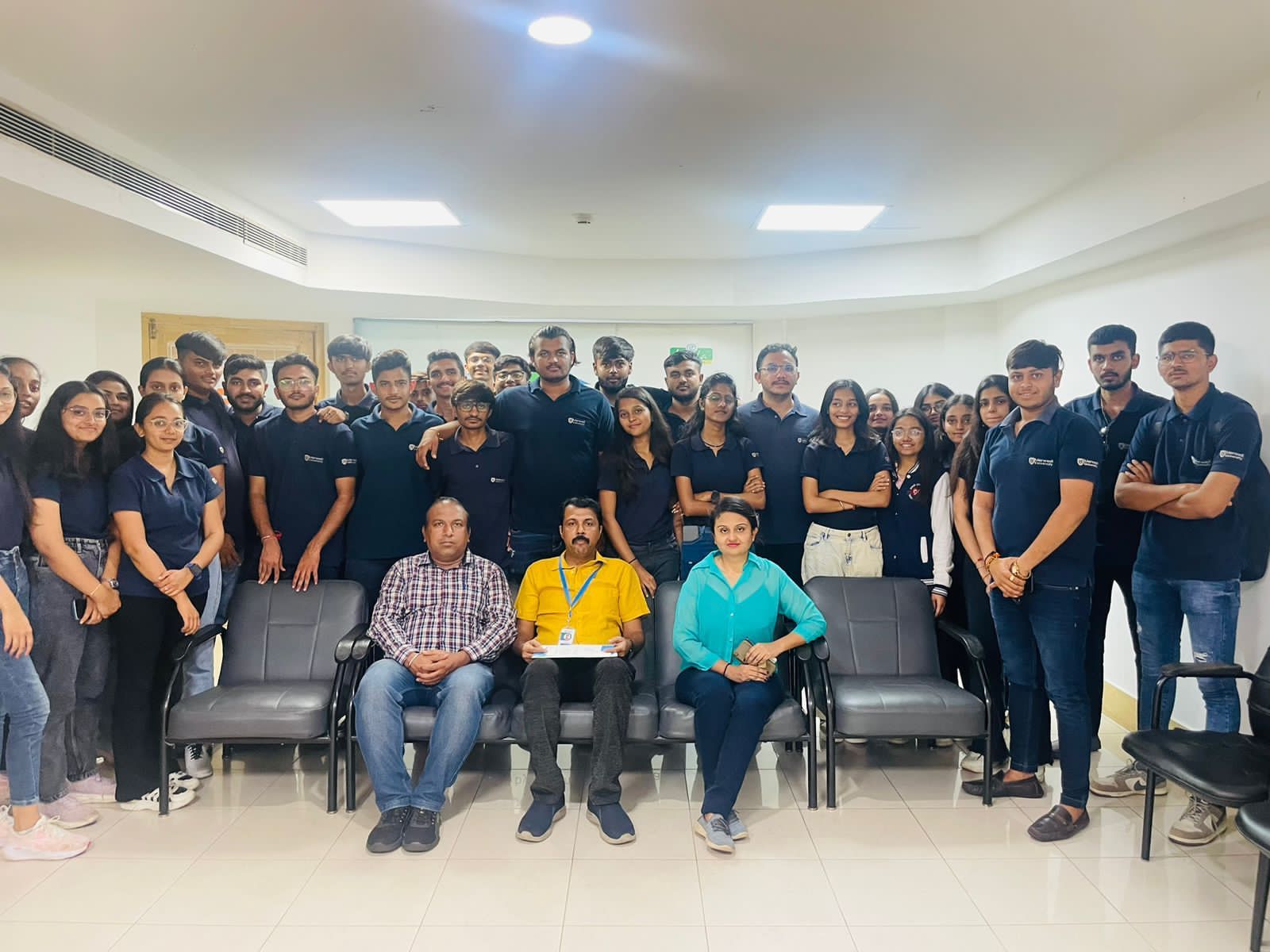
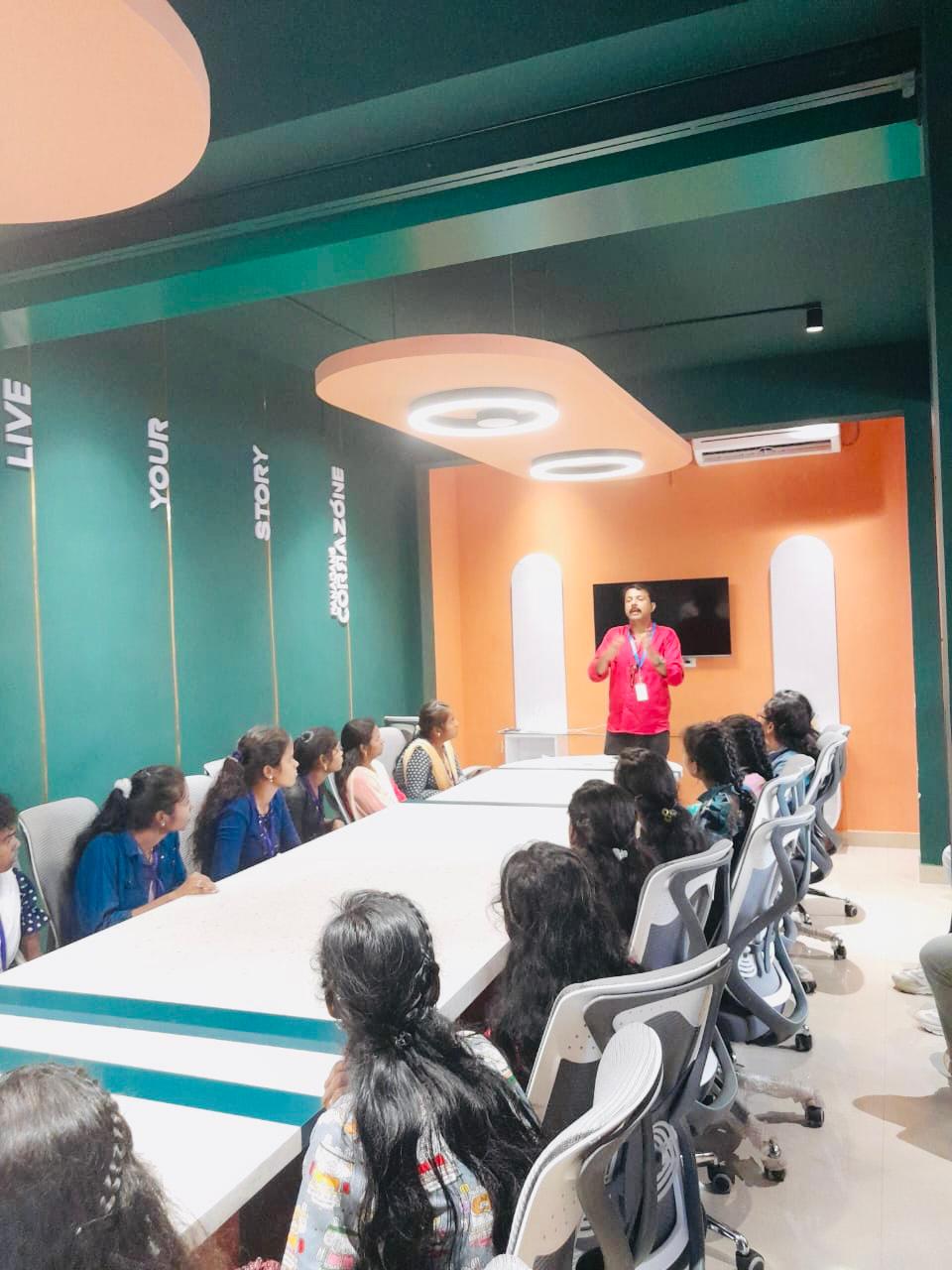
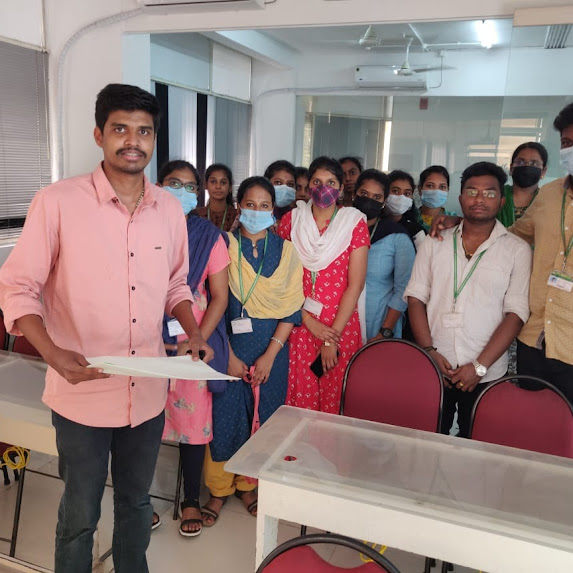
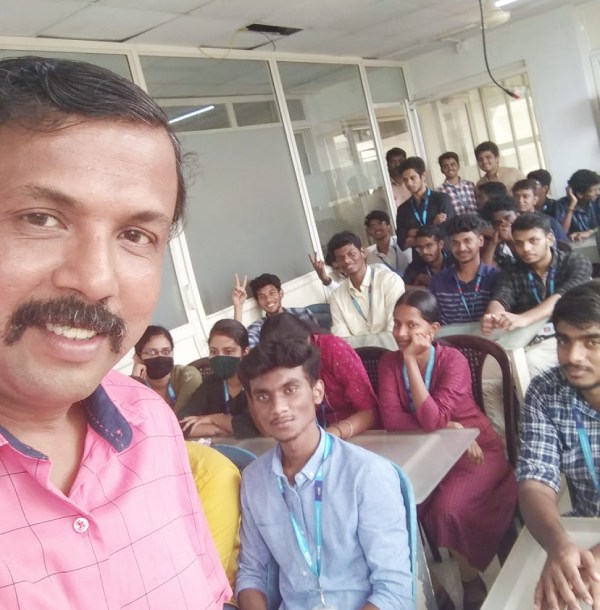
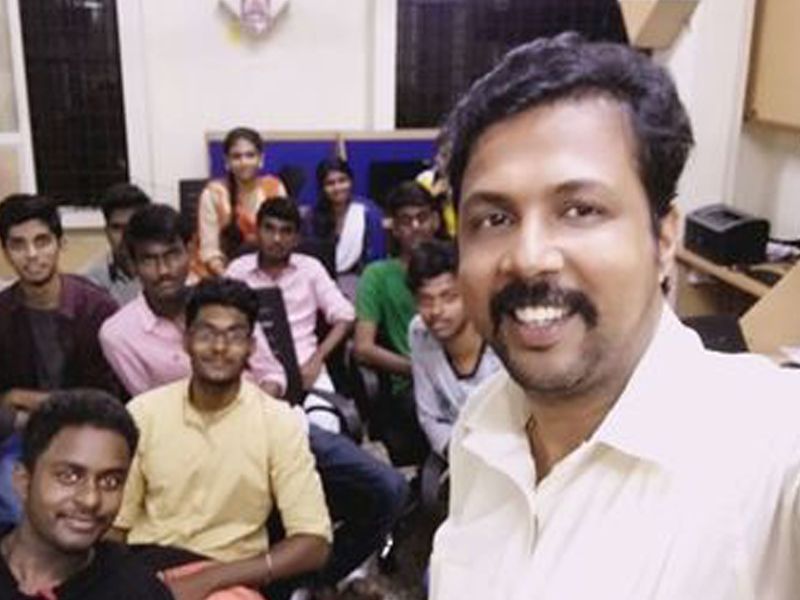
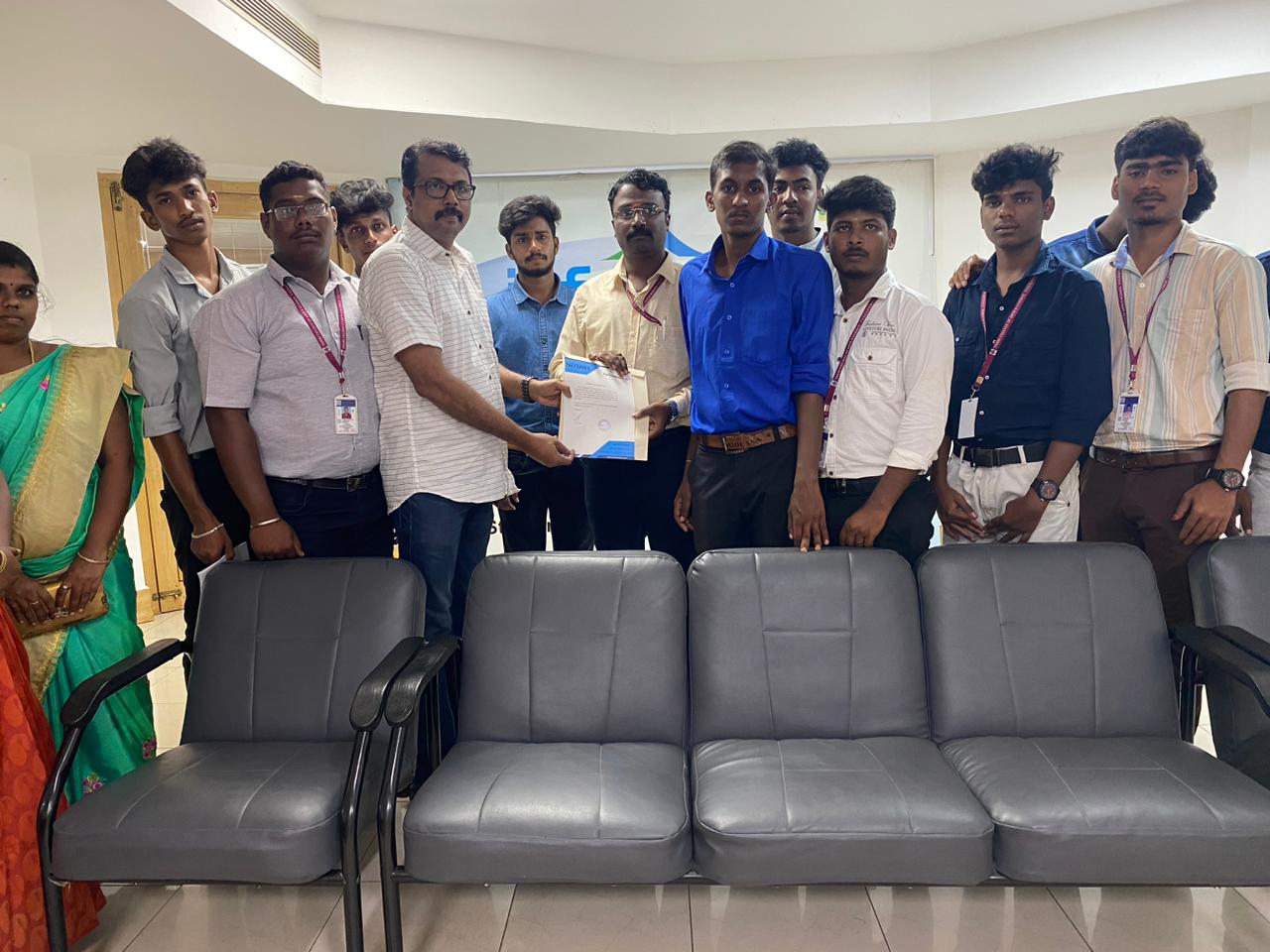
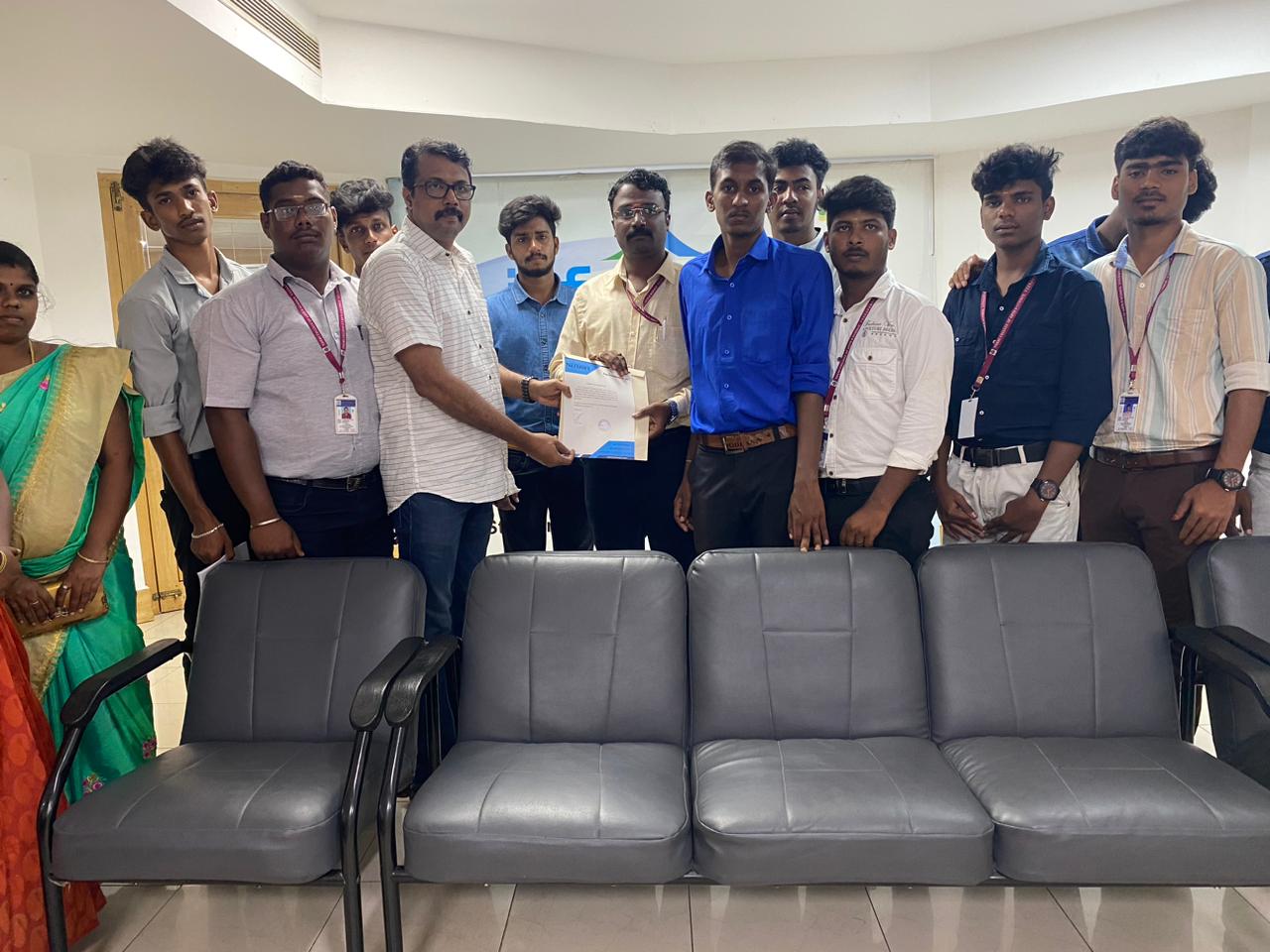
Photos of Training / Internships

Internship/projects in kannur

Trained more than 10000+ students who trust Nestsoft TechnoMaster

Get Your Personal Trainer