Python/Django Online Live Class by Experts
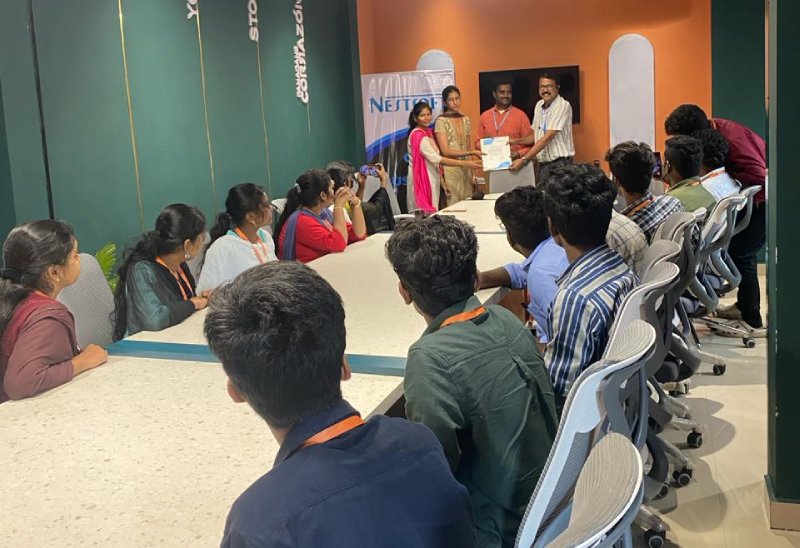
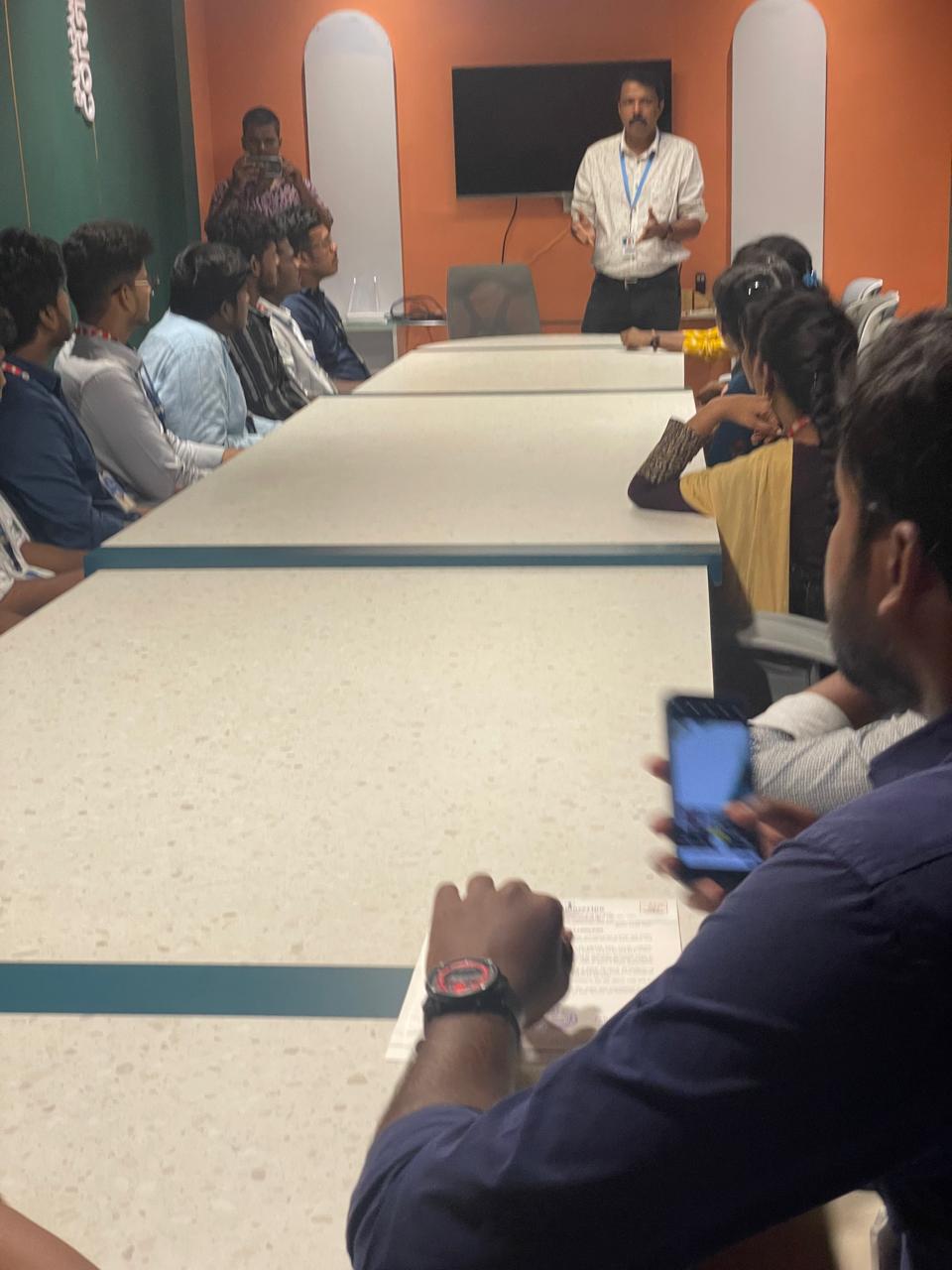
Our Training/Internship Process

Python/Django - Syllabus, Fees & Duration
HTML 5 (5 Hours)
CSS (5 Hours)
Bootstrap (5 Hours)
Javascript (5 Hours)
Introduction to Python
- History
- Features
- Installation
- Operators
- Variables
Introduction to Datatypes
- Python numbers
- Python strings
- Python lists
- Python tuples
- Python dictionary
Programming Concepts
- If statements
- If else
- Else if statements
- While loop
- For loop
Functions and Modules
- Defining a function
- Calling a function
- Function arguments
- Importing modules
- Built in modules
Object Oriented Programming
- Class and objects
- Super and sub class
- Constructor
- Inheritance
Files and Exception Handling
- Opening and closing a file
- Reading and writing on a file
- File methods
- Exception handling
- Raising an exception
GUI Development using Tkinter
- Introduction to Tkinter
- Tkinter programming
- Tkinter widgets
- Standard attributes
- Geometry management
Basic Widgets and Advanced Widgets
- Using radio buttons
- Using check box
- Spin box
- Scroll bar and slider
- List widget
- Display system clock time
- Working with calendar
- Combo box
- Displaying table
- Displaying graphics
OS Module and Network Programming
- Environment
- Directory Commands
- Miscellaneous OS Calls and Walking through Directories
- Network programming and Introduction
SQL and SQL Constrains
- Introduction
- DDL commands
- DML commands
- SQL statements ,operators, clauses
- Aggregate functions
Database Handling with SQL Lite
- Database maintenance through console based programs
- Database maintenance through GUI based program
MongoDb with Python
- MongoDb installation
- MongoDb Compass
- MongoDb Data Modeling
- MongoDb Connectivity
- MongoDb CRUD operations
Firebase Realtime Database
- Fire base Installation
- Environment setup
- Introduction to JSON
- CRUD operations
Introduction to Web designing
- HTML
- CSS
Introduction to Client Side Scripting
- Java script
- jQuery
- Bootstrap
Basic Study of Django Framework
- What is Django?
- Where did it come from?
- What does Django code look like?
- Installing Django
Django Templates and Form Details
- What is Django?
- Where did it come from?
- What does Django code look like?
- Installing Django
Django Admin Customization
- Where did it come from?
- Registering models
- Creating a super user
- Logging in and using the site
- Advanced configuration
Rest APIs and User Authentication
- Project setup
- Views
- URL’s
- Settings
- Testing our API
- Enabling authentication
- Creating users and groups
- Setting up your authentication views
- Permissions
Deploying Django Framewok
- Production environment
- Choosing a hosting provider
- Getting your website ready to publish
- Installing local library
Python FLASK Framewok
- Introduction
- What Is Flask
- Why Use Flask?
- Installing Flask
- Setting Up Our Development Environment
- Locally Using our Operating System
Introduction to Virtual ENV and PIP
- Locally Using Docker
- Using a Cloud-Based IDE
- The Code Editor
- Installing Flask
- Our Initial App
- Debugging
- Routing
- Using url_for
- The GET method
- The POST method
Advanced Python Concepts
This syllabus is not final and can be customized as per needs/updates
- Since 2001, Making IT Experts by Experts
- Duration: 60 Hours (Vary as per your skill)
- Course Fees
- Individual Live Classes (1:1)
- Batch Classes @ Low Fees
- Training on Your Time, Any Where
- Access to Recorded Videos
- Practical Internship on Projects
- 100% Placement Support by our jobsHybrid.com
- Training/Internship Certificate
Course Highlights


 Python is a simple language to learn. Python is a highly productive language because its philosophy emphasizes following conventions and avoiding time-consuming repetitive operations. PHP, C++, and Java are examples of related languages. Python is created under an OSI-approved open source license, making it free to use and distribute, including for commercial purposes. Many third-party libraries support Python, so you can use it in your project or as part of a collection of modules. It's easier to pick up than other languages.
. Come learn Python Full Stack at Nestsoft. Django is a free and open-source web framework based on Python that encourages rapid development and programmatic design. Python applications are straightforward to read and write thanks to the language's basic syntax, and it's a widely used language in the software industry.
Python is a simple language to learn. Python is a highly productive language because its philosophy emphasizes following conventions and avoiding time-consuming repetitive operations. PHP, C++, and Java are examples of related languages. Python is created under an OSI-approved open source license, making it free to use and distribute, including for commercial purposes. Many third-party libraries support Python, so you can use it in your project or as part of a collection of modules. It's easier to pick up than other languages.
. Come learn Python Full Stack at Nestsoft. Django is a free and open-source web framework based on Python that encourages rapid development and programmatic design. Python applications are straightforward to read and write thanks to the language's basic syntax, and it's a widely used language in the software industry.